Contents
You may already have an AI tool for drafting, translation and documents. Do you need OpenClaw as well? I’d look at how often you have to pull information from specific files, work across different tools and hand a task to a colleague. The more of that work you do, the more reason there is to consider setting it up.
As of 23 November 2026, several recent updates make those jobs easier. Colleagues can follow the same task, some new models can appear without a software update, and long replies and disconnections are getting attention. Here’s what those changes mean in day-to-day work.
OpenClaw is an open-source AI assistant system you can deploy yourself. It connects models, messaging channels and tools to carry out tasks within configured permissions. It is not a new foundation model; results still depend on the selected model, the information it receives and the execution environment.
What’s actually changed recently?
| Development | What changed | Why it matters |
|---|---|---|
| 5 November — Multiplayer | People can participate in the same agent session and share its task context. | Useful when planning, execution and review pass between colleagues. |
| 6 November — Model discovery | Model information comes from a hosted catalogue, provider accounts and installed runtimes. | Some new models can appear without waiting for an OpenClaw release. |
| Recent releases — Everyday reliability | Improvements cover long replies, reconnecting conversations and stopping work from another device. | Relevant to sustained use, rather than just a first demonstration. |
| Latest version listed when checked — v2026.11.6 | A patch covering installation, updates, messaging and integrations. | Existing users should compare the relevant fixes with their deployed version. |
If model updates, awkward handovers or long conversations were why you stopped using OpenClaw, this batch of changes addresses those problems. I’d still keep an approval step for publishing a website or sending client messages, so someone checks the result before it goes out.
A colleague can pick up the same task
Someone produces a draft with AI, then a colleague takes over and has to explain the background all over again. Shared sessions reduce that repetition. On a service-page project, an account manager could add the service terms, an editor could revise the copy and a developer could work on the page without each starting a new conversation and pasting in the material again.
I would start inside one authorised team, not by adding unrelated clients to the same environment. Viewing a conversation, submitting instructions and approving publication should be separate decisions. A shared agent session is not, by itself, a design for isolating confidential client accounts.

New models don’t always need an OpenClaw update
Previously, a model provider could launch a model before an installed OpenClaw release knew about it. The revised discovery system reduces that delay. Account access, interface compatibility and working credentials still determine what can actually run.
I wouldn’t move every job over because a new name appeared in the picker. Give it the same document or change request as the existing model. Compare the edits needed, whether it respects file and action limits, and what it costs to finish. If the current model is working reliably, keep it while you test.
Hong Kong and cross-border teams also need to check the provider’s regional and business eligibility rules. Installing OpenClaw in a particular location does not automatically change who is eligible to use the model service.
Long replies and lost connections are getting fixes
Recent releases address reconnecting conversations, typing lag during long replies and stopping a task from another device. Those are useful improvements when an assistant is part of an ongoing workday: losing the original device’s connection need not leave the team without a way to follow up.
If you already use OpenClaw, rerun a few normal jobs and check whether the problems you encountered have improved. Record the version, plugins and model settings before updating, and keep a recoverable backup. A long release note is useful; seeing your own work complete successfully tells you more.
Which jobs are worth handing to OpenClaw?
| Workflow | My recommendation | Reason |
|---|---|---|
| Producing recurring internal summaries from specified files | Worth a trial | Inputs, schedule and output format can be defined. |
| Checking a website and organising issues, screenshots and proposed changes | Trial on a staging site | Results can be checked individually and approval retained. |
| Colleagues taking over the same research or document task | Evaluate shared sessions | Handover time provides a clear basis for comparison. |
| Occasional translation, questions or an email draft | Keep the existing tool first | Setup and maintenance may outweigh the additional benefit. |
| Approving payments or changing live client records automatically | Don’t begin with full automation | Authorisation, approval and recovery need to be verified first. |
A weekly report is a reasonable place to start. Restrict it to a named folder and save a draft for someone to review. If a figure is wrong or a document is missing, you can trace the problem. Get that job working before connecting more tools.
Do you need another computer or server?
A separate local environment is enough to begin evaluating a model connection and one tool-assisted task. A continuously running host, VPS or managed service becomes more relevant when tasks need to run on schedule or remain accessible across devices. Running the assistant does not require hosting a large model on the same computer; local inference has its own memory and compute requirements.
Hostinger currently has managed and self-administered VPS deployment routes. Their maintenance responsibilities differ. Before buying, check whether updates, backups, support and model usage are included. An existing WordPress hosting package should not be assumed to support a persistent process or container.
The software is free. What does it cost to run?
| Cost | What to include |
|---|---|
| Model access | Input and output usage, long tasks, repeated calls, and account or plan limits. |
| Hosting | Compute, storage, backups, monitoring or a managed plan. |
| External tools | Search, voice and other paid interfaces or services. |
| Maintenance and review | Update testing, permissions, failed runs and human checking. |
The length of the final answer is not a reliable estimate of the model bill. Conversation history, files, tool results and repeated execution can add usage. Where a subscription-based connection is permitted, check its actual allowance; an existing chat subscription should not be assumed to include every interface or task.
For example, 60 monthly tasks saving ten minutes each would save ten hours. If review and maintenance take six hours, the net saving is four. Compare that with model and hosting charges before deciding whether to expand. This is an illustrative budget calculation, not a measured OpenClaw result.
Set permissions before connecting company accounts
Decide who can issue instructions, which information the assistant can read or change, and which actions require approval. Check plugin sources and permissions. Include the management interface, credentials and backups in normal systems administration. The openclaw security audit command can identify some configuration issues, but it does not replace an access-control review.
Self-hosting does not mean every piece of data stays on the host. Remote models and messaging platforms introduce their own data flows. OpenClaw’s WhatsApp integration uses a WhatsApp Web connection; that alone is not enough to approve it as a formal customer-service channel.
Give it two weeks on a job you already do
Choose one weekly task with bounded inputs and a checkable result. Use non-confidential samples in the first week, retaining approval before external actions. In the second, run real work within the same scope and record completed tasks, review time, failure causes and total cost. Avoid changing the model, plugins and acceptance criteria together, or the comparison becomes hard to interpret.
I think OpenClaw is worth another look now, especially for teams that spend time moving work between files, tools and colleagues. If two weeks of use cuts those manual steps and someone can handle maintenance, there’s a case for keeping it. If it ends up answering questions and drafting a few paragraphs, your existing AI service may be simpler. Adding another tool should leave you with less work to do.
Sources and image credits
- OpenClaw — Project and source code
- OpenClaw — Multiplayer (5 November 2026)
- OpenClaw — Model discovery update (6 November 2026)
- OpenClaw — Release index
- OpenClaw — v2026.11.5 reliability updates
- OpenClaw — v2026.11.6 patch notes
- OpenClaw — Getting started
- OpenClaw — Model providers
- OpenClaw — Hostinger managed and VPS deployment
- OpenClaw — Token use and costs
- OpenClaw — API usage and costs
- OpenClaw — Security and deployment boundaries
- OpenClaw — WhatsApp integration
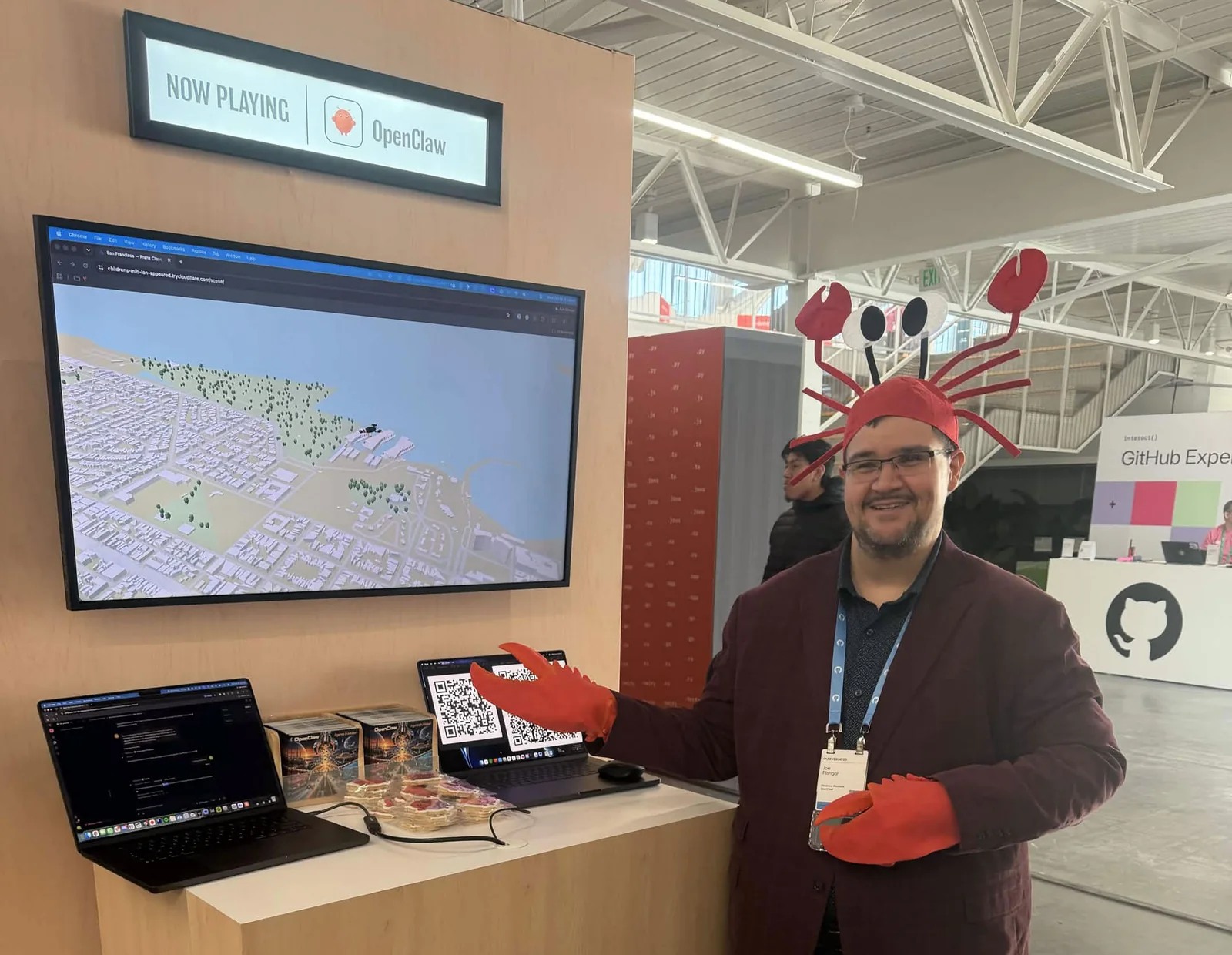
This is Locke Lee’s adoption analysis, with update details checked on 23 November 2026. Workflow examples and time calculations are illustrative, not client results. The opening photograph shows an OpenClaw event booth; the other photographs illustrate hardware and work settings, not product benchmarks.
- OpenClaw / GitHub Universe — OpenClaw’s booth and live demonstration at GitHub Universe
- imgix / Unsplash — Networked compact computers in a rack
- Mahmudul Hasan / Unsplash — A compact desktop computer and display on a desk
- Tai Bui / Unsplash — A monitor showing code beside a laptop
- Kevin Bhagat / Unsplash — Computers and work tables in a meeting room